AI generation tools have been the talk of the town for years now. And while at the beginning of the AI revolution the potential was mostly theoretical, now these tools are steadily changing the way we work.
Google’s latest update to Gemini (their version of ChatGPT) has brought with it an image editing and generation tool they’ve named Nano Banana. While its name is rather silly, what it can do is anything but. Especially when paired with a powerful furniture rendering tool like our product configurator.
With the right instructions, you can go from relying on stock product photography from your favourite suppliers that may or may not match the environment your particular project finds itself in, to perfectly customised images that get your vision across exactly as you want it (well, almost). While what we’ll be showing you here is powerful, it does take some practice to get it just right.
First, the product
We need to start with the product you’d like to visualise. In most cases, simply having a good quality, clear photo of the product is enough. Let’s take one of our benches as an example – the Veeva Sol. This bench has a solar panel instead of a middle slat that powers a wireless mobile charger, a USB port and ambient light.
Here’s a good photo. Don’t worry too much about light and shadows as long as the product is well visible, the tool we’re going to use – Gemini’s Nano Banana – is pretty good at pulling through the detail.
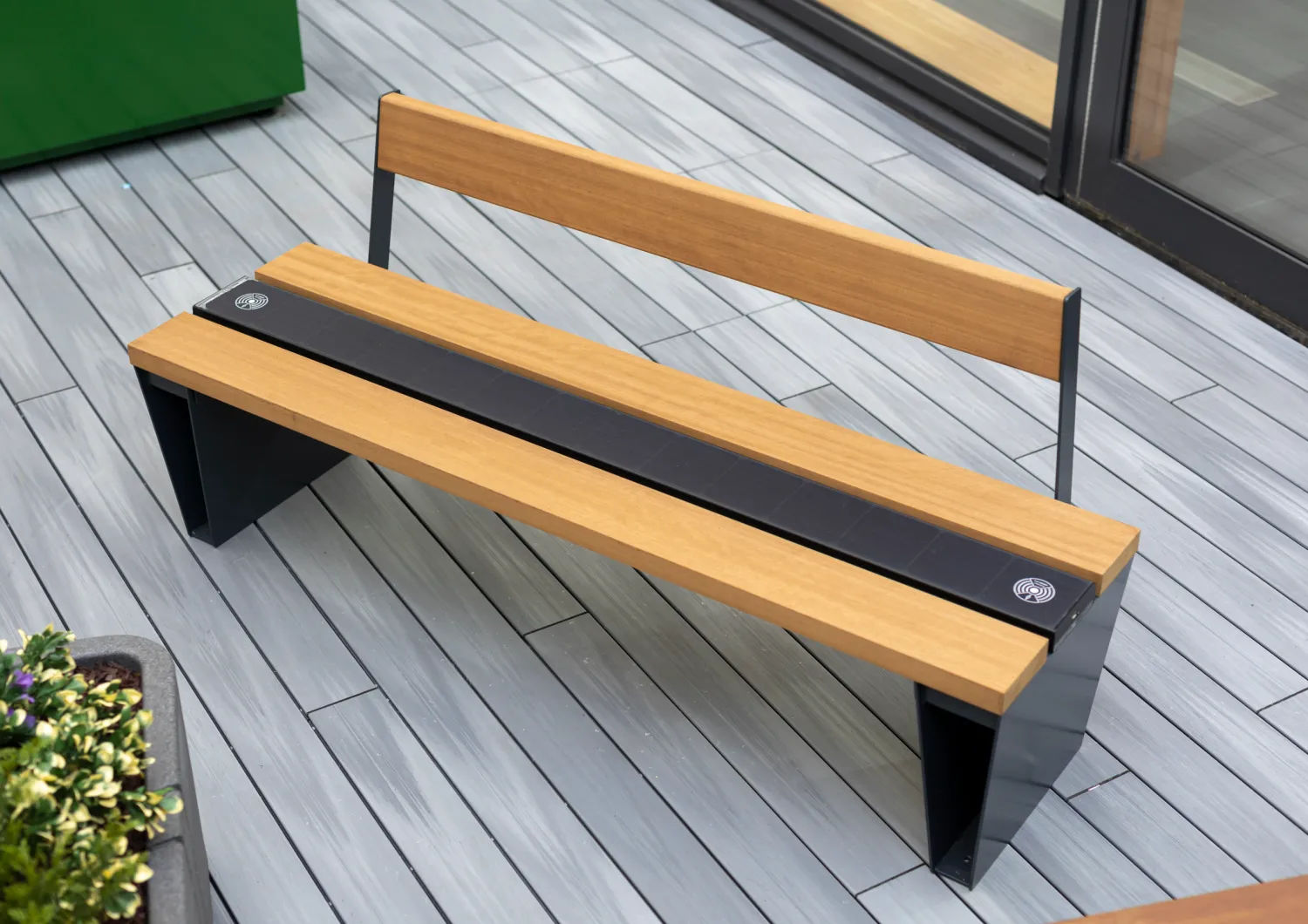
Veeva Sol bench from Furnitubes has a solar panel instead of a middle slat that powers a wireless mobile charger, a USB port and ambient light
Second, the tool
Next, head to Gemini. Once there, make sure that you:
Select the ‘Create Images’ option under ‘Tools’.
Upload the photo of the product you’d like to visualise.
Start creating using a clear, descriptive prompt.
Time to start creating
Here’s an example prompt – the result is the image below.
“Place this bench on the side of a path in a public park such as Mote Park in Maidstone, Kent. Show people interacting with the bench. It’s mid-afternoon on a beautiful autumn day.”
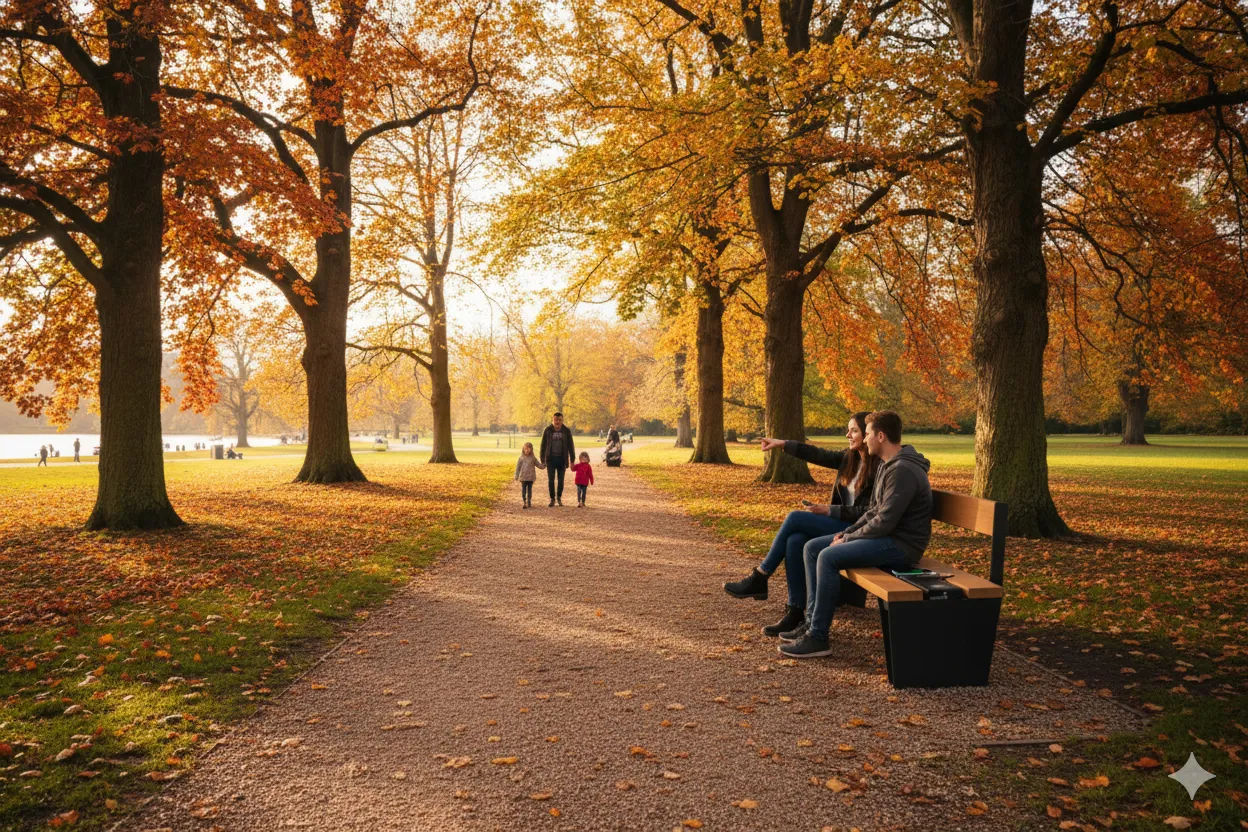
Veeva Sol bench shown on park pathway
Here’s another example using a different image of the bench in a different colour, along with the corresponding generated image.
“Place this bench on the side of a highstreet of Stratford-upon-Avon. Show one person sitting on it. The highstreet is slightly busy. It’s a spring morning. Make sure not to change any details of the bench.”
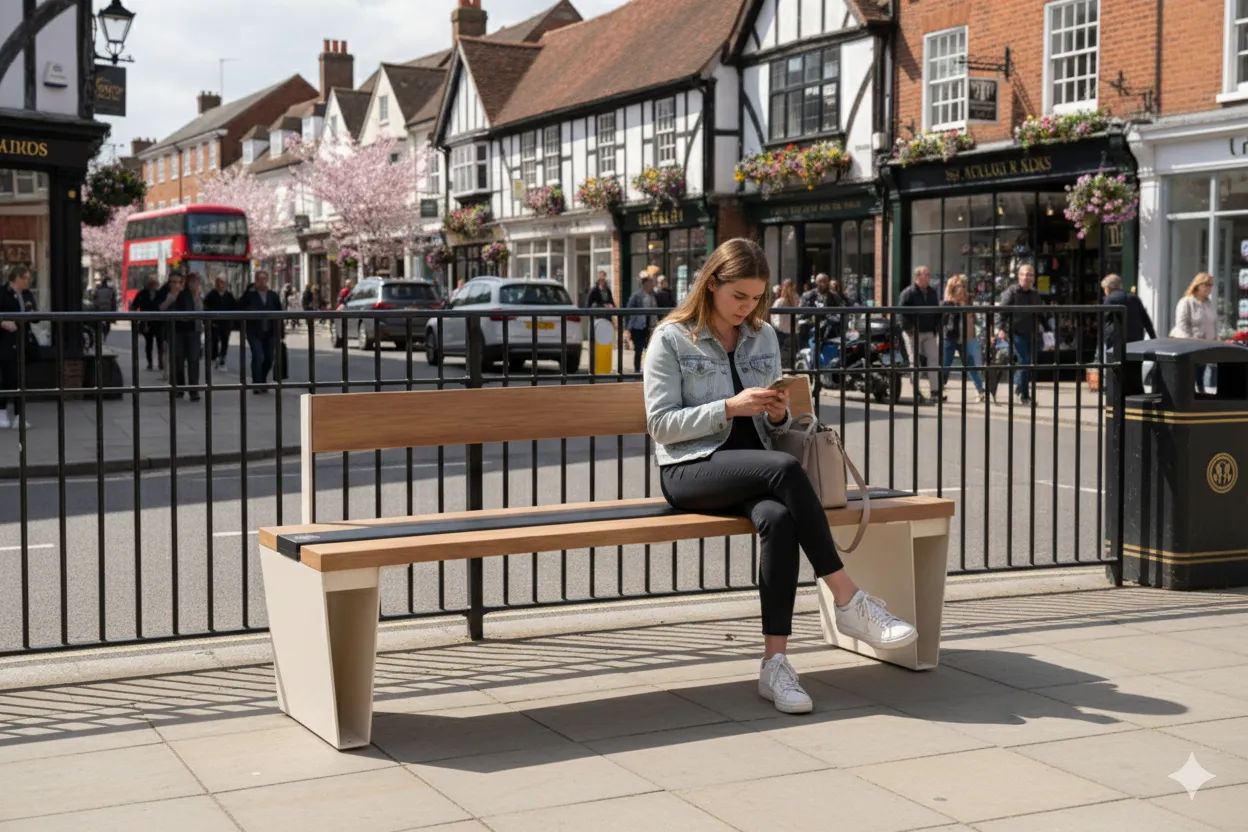
Veeva Sol bench on high street
This can be a very useful tool to create imagery that’s almost indistinguishable from real photography – all done in just a few seconds. Naturally, it’s important to take a good look at these images before using them, as certain details such as scale and environmental features may not be exact. The location itself will be an approximation to reality, and not a perfect replica. We also advise full transparency with your audience as to the source of these images.
Let’s take things a step further with Furnitubes' configurator
Let’s say that the product you’d like to visualise in your scenario isn’t a straightforward (but excellent) bench, but a more complex configuration of a modular solution such as our own Railroad. Using our online 3D configuration tool, you can create the ideal bench for your project in just a few minutes.
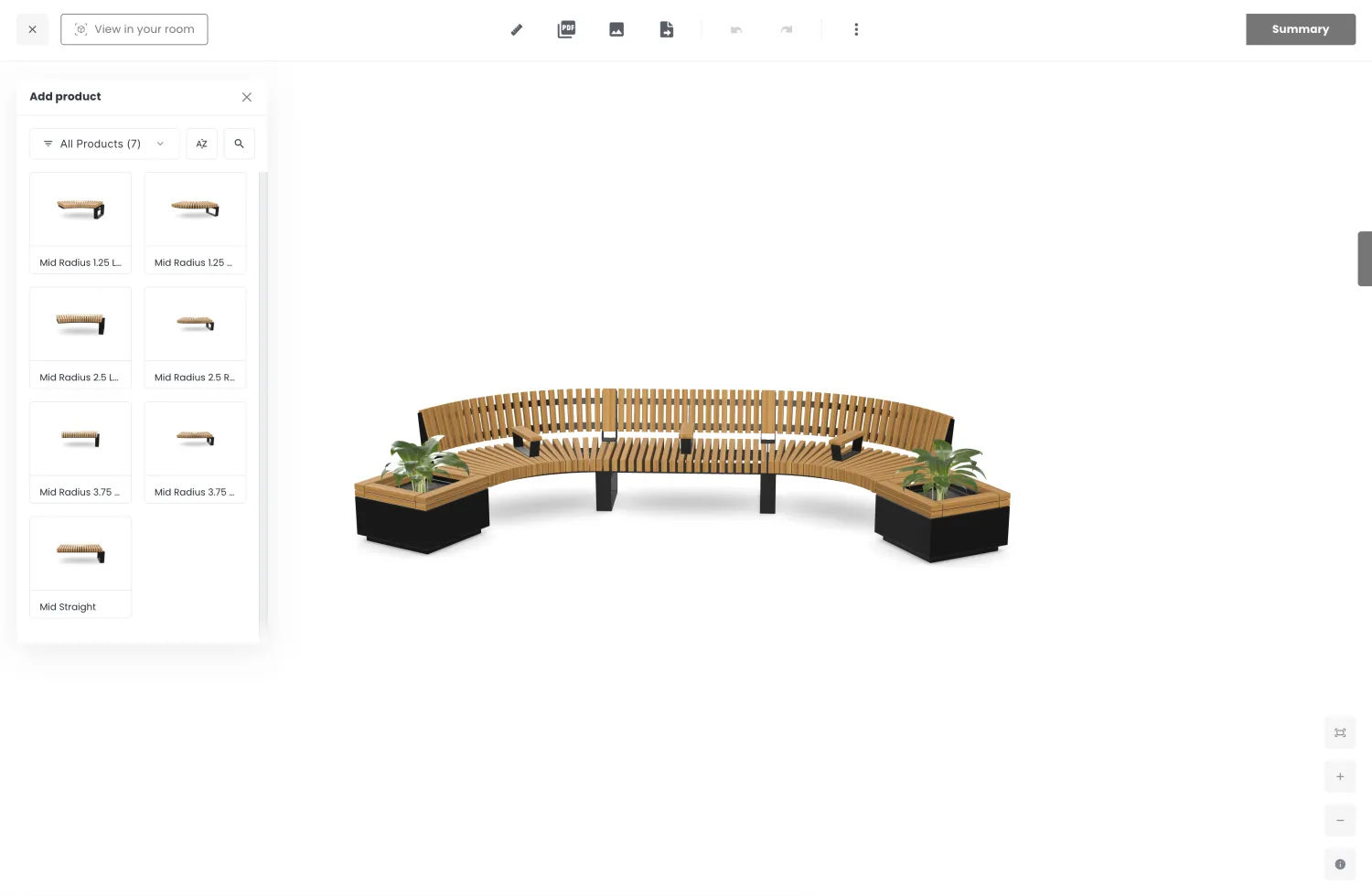
Railroad bench using Furnitubes' configurator
Once you’re done with it, simply take a screenshot of just the configuration at just the right angle, and repeat the process we explained in the previous section. Here’s the prompt we used:
“Place this bench on the campus of Coventry University in the UK. There are university students interacting with the bench. Replace the plants in the planter with blooming chrysanthemums. Make sure not to change any details of the bench itself. It’s late afternoon on a beautiful Autumn day.”
Tip: If you’re not entirely satisfied with the image, try clicking on the circular arrow icon below the image. That will cause the image to be regenerated using the same prompt, resulting in a slightly different interpretation.
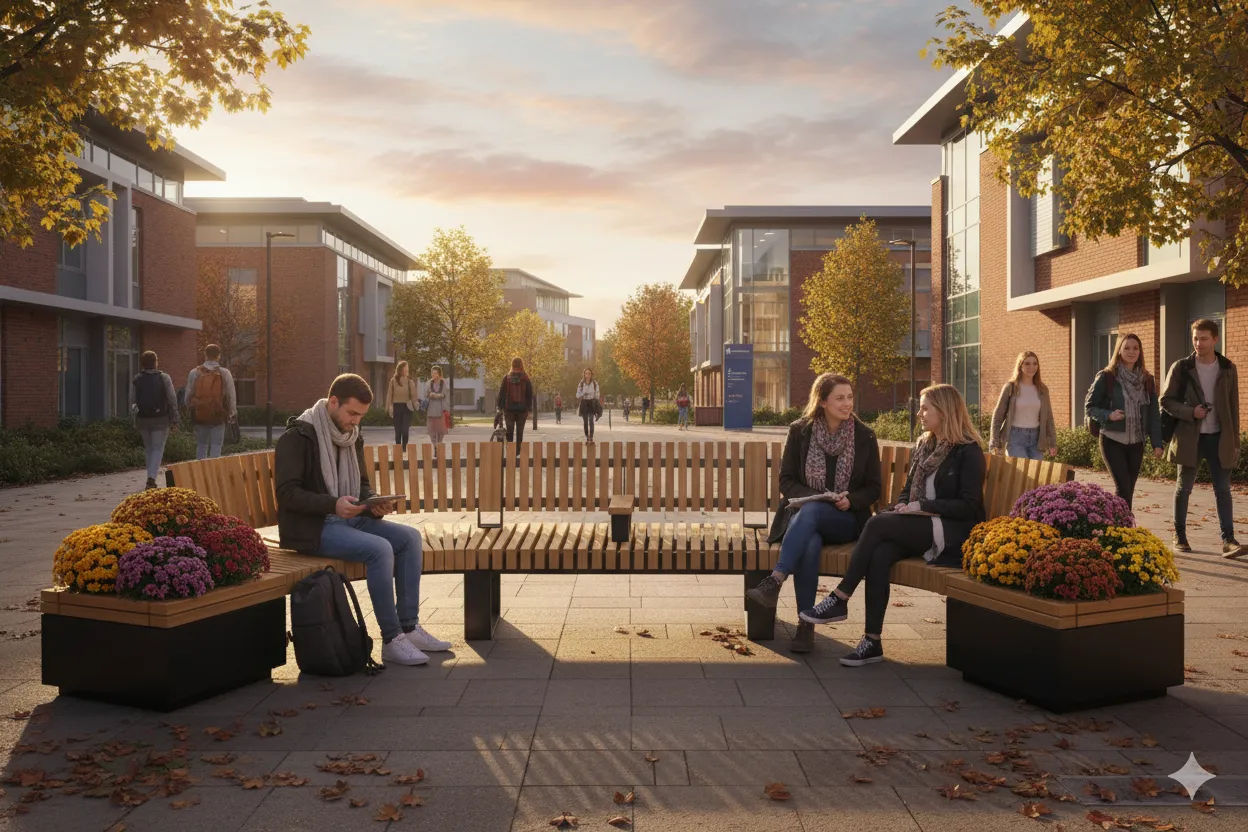
Railroad bench on university campus
Here’s one last example.
“Place this bench in the outdoor area of a shopping centre such as Westfield in London. It’s midday. There’s a young family interacting with the bench. The space is moderately busy with people going about their day. Replace the plants in the bench with hyacinths. Make sure not to change any details of the bench itself.”
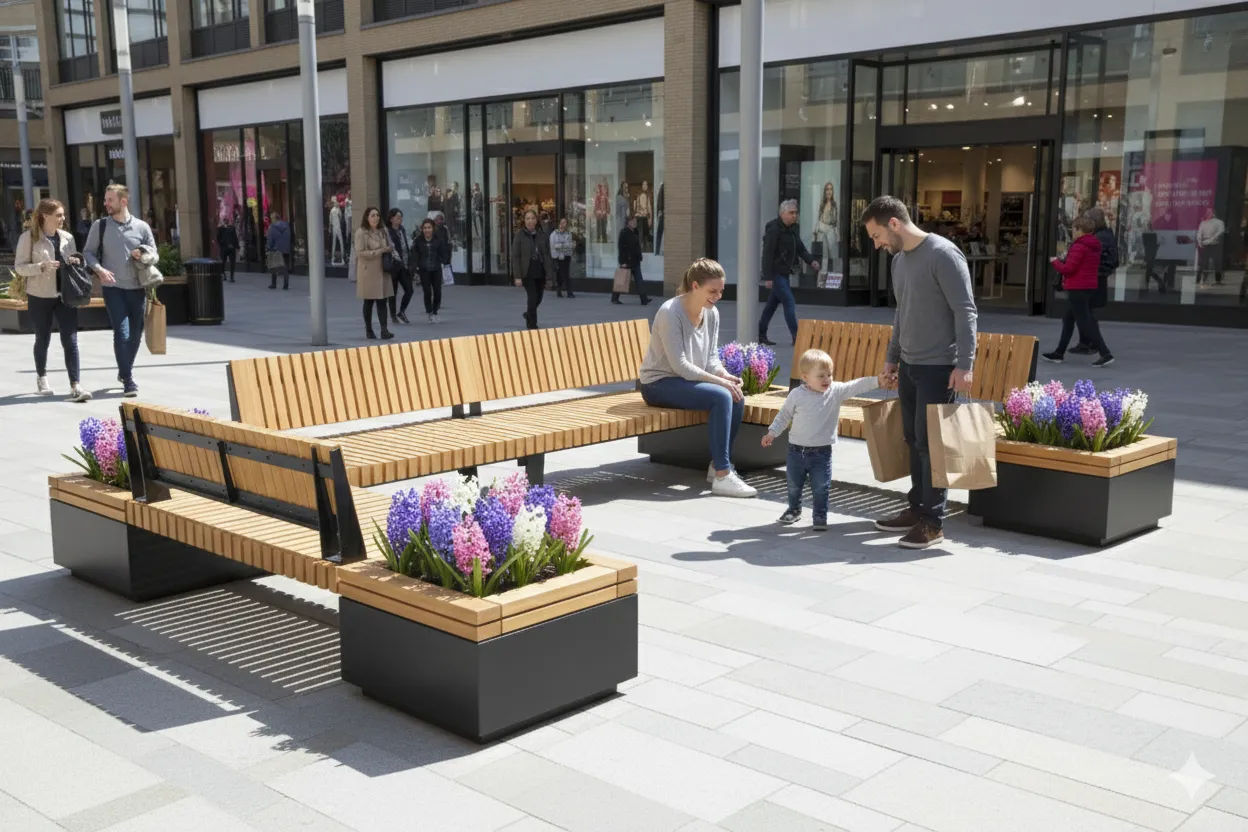
Railroad bench in outdoor shopping centre
While the location won’t be an exact match to the real-life version, you can clearly get across what it would look like to have that particular configuration of Railroad in that scenario. Keep in mind that there’s quite a bit of trial and error involved, so get experimenting and don’t give up if you don’t get the exact result you’re looking for at the first time of asking – keep trying!